
Mobile onboarding is not a smaller version of web onboarding. The first session can include an app-store handoff, account creation, deep links, system permission prompts, keyboard state, gestures, backgrounding, network changes, and a device-specific crash—all before the user reaches value.
A funnel that records only screen_viewed and onboarding_complete will show where users disappear. It will not show whether the app asked too early, lost state, failed to respond, or never delivered the promised result.
Mobile app onboarding analytics should connect product states to the real session and runtime conditions around them.
Define activation in mobile product language
The final onboarding slide is not activation. Activation is the first verified outcome that makes the app worth reopening.
Examples include: first workout or plan successfully generated; first account linked and usable balance shown; first photo edited and saved; first route recorded; first replay received from an instrumented app; and first shared task completed with another user.
The event should confirm the result, not merely the tap that requested it. If the user presses “Generate” and the request fails, the analytics must not call them activated.
Model the first session as states and interruptions
Create a state sequence that reflects the app:
- First open
- Value proposition understood or skipped
- Account state established
- Required preference or setup completed
- Permission requested and resolved
- Core action attempted
- Core result verified
- Activation reached
Then record interruptions as attributes or branches: app backgrounded and resumed; external authentication opened and returned; permission denied, limited, or later changed; offline or connectivity loss; keyboard or system sheet obscured the action; crash or ANR; and app restarted before state restoration.
These are normal mobile conditions. Treating them as edge cases produces misleading onboarding reports.
Measure more than completion
Keep a compact set of metrics:
| Metric | What it answers |
|---|---|
| First-open-to-activation rate | Did installs reach value? |
| Step transition rate | Where did progress stop? |
| Time to first value | How long did the useful result take? |
| Permission continuation rate | Did users progress after each permission outcome? |
| Resume recovery rate | Did backgrounded or externally redirected sessions restore state? |
| Activation quality | Was the first result complete and usable? |
| Early meaningful return | Did the user come back for the core action? |
Onboarding completion remains useful, but it should sit beside activation and return. A user can dismiss every screen and never receive value.
Analyze permissions as product decisions
Permission acceptance alone is not the goal. The goal is the valuable capability enabled by the permission.
For each prompt, compare: users who accepted; users who denied; users who received limited access; users who were never prompted; and users who changed the setting later.
Measure their next meaningful action and activation, not only the prompt response. Replay the screens before and after the system prompt. Did the app explain why the permission mattered? Did it recover from denial? Was the user asked before experiencing any value?
Do not record sensitive system content or values that violate platform and privacy expectations. The relevant evidence is app state around the prompt.
Preserve app lifecycle context
A user may background the app to find a code, open email, change a setting, or complete authentication. Track foreground and background transitions and whether onboarding state survived.
Common leaks include: returning to the first step after authentication; losing safe form progress when the app is suspended; showing a stale loading state after resume; completing server work while the app still displays failure; and repeating permission education after the user already decided.
Compare resumed sessions that activate with resumed sessions that fail. The branch—not the screen—often reveals the problem.
Segment by device and release before redesigning
Mobile averages can hide a concentrated production issue. Break onboarding down by: app version and release; platform and operating-system version; device model or performance class; screen dimensions and orientation where relevant; network condition; acquisition deep link or campaign; and new account, invited user, and returning install.
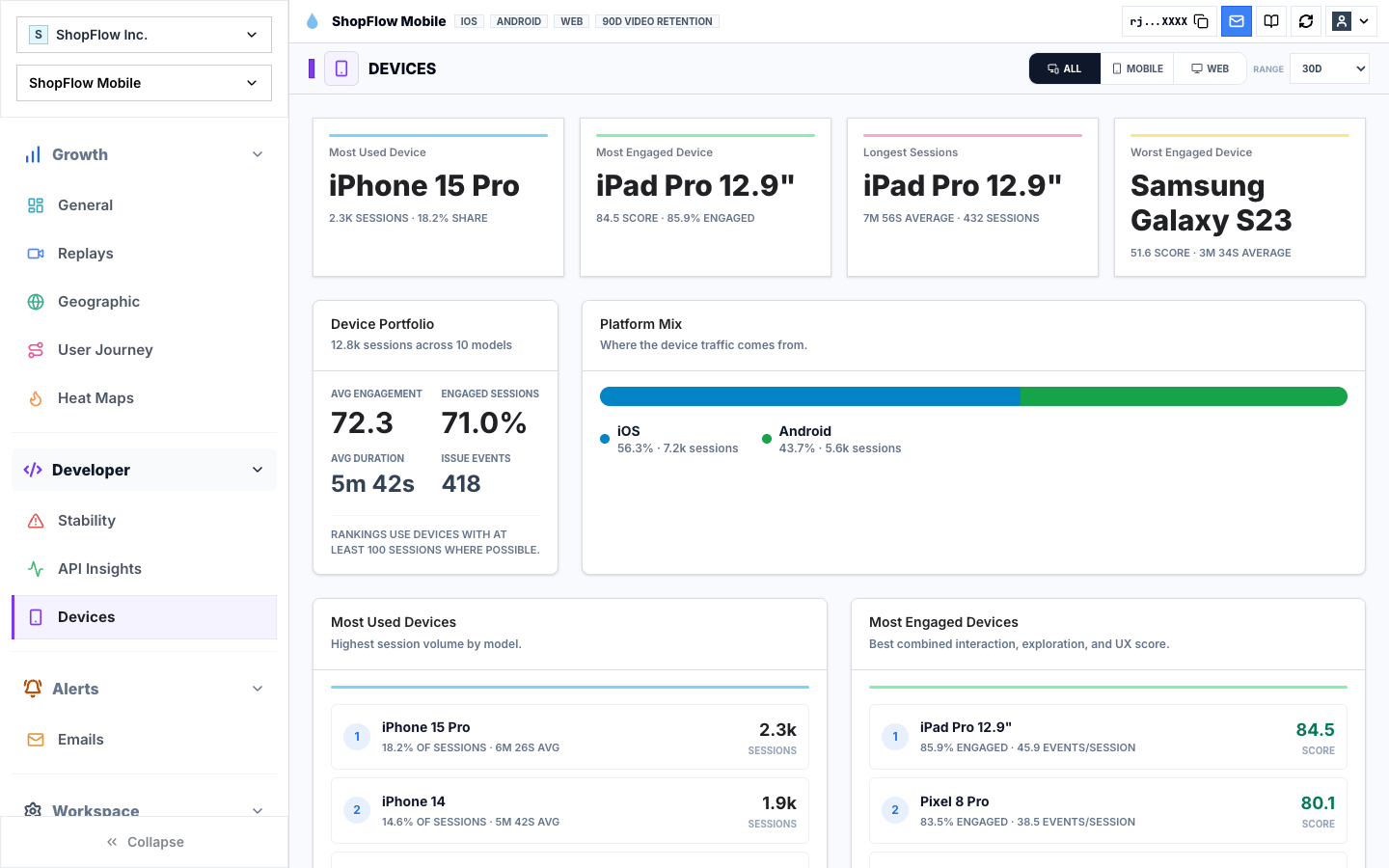
If one app version shows a verification drop with rising ANRs, the answer is not shorter copy. If invited users fail across every device, the path may assume the wrong role.
Pair each drop with successful sessions
For the largest transition loss, select successful and failed sessions from the same platform, release, and intended outcome.
Review: touches that did not produce a visible response; repeated swipes or taps; keyboard and focus behavior; permission and system-dialog timing; and API latency and errors.
Review crash, ANR, and memory context; backtracking between screens; and state after background and resume.
The successful comparison prevents normal mobile gestures from being called friction simply because they appear in a failed session.
Separate design friction from runtime failure
| Repeated evidence | Likely first investigation |
|---|---|
| Long reading and backtracking before a choice | Information order or unclear value |
| Repeated taps with no transition | Slow request, dead control, or missing feedback |
| Failure concentrated by version or device | Release or runtime issue |
| Exit immediately after permission education | Timing, trust, or relevance |
| Background return loses progress | App lifecycle and state restoration |
| Crash or ANR before the value event | Stability and performance |
| Core request succeeds but result is absent | Client/server state reconciliation |
Several causes can coexist. Preserve the observed facts and confidence instead of assigning emotion the system did not measure.
Connect onboarding to the paywall
For subscription apps, onboarding and paywall performance cannot be evaluated independently. A paywall shown before value, after failed setup, or only to users who survive a long flow receives different traffic.
Track: share of first opens reaching the paywall; activation state before first paywall exposure; time and path from first value to paywall; trial or purchase intent after healthy versus degraded onboarding; and paywall conversion by onboarding path and issue history.
A paywall redesign cannot recover users who never reached it. A strong paywall cannot compensate for a broken value moment.
Review the first-session release as a product surface
Before shipping onboarding changes, save the cohort, app versions, path definition, and activation event. After release, compare: activation and time to value; permission continuation; background and authentication recovery; crashes, ANRs, and request failures; paywall reach and trial start; and early return and retention guardrails.
Open post-release replays from healthy and failed paths. Aggregate improvement can hide a new device-specific leak.
Inspect the first sessions that fail
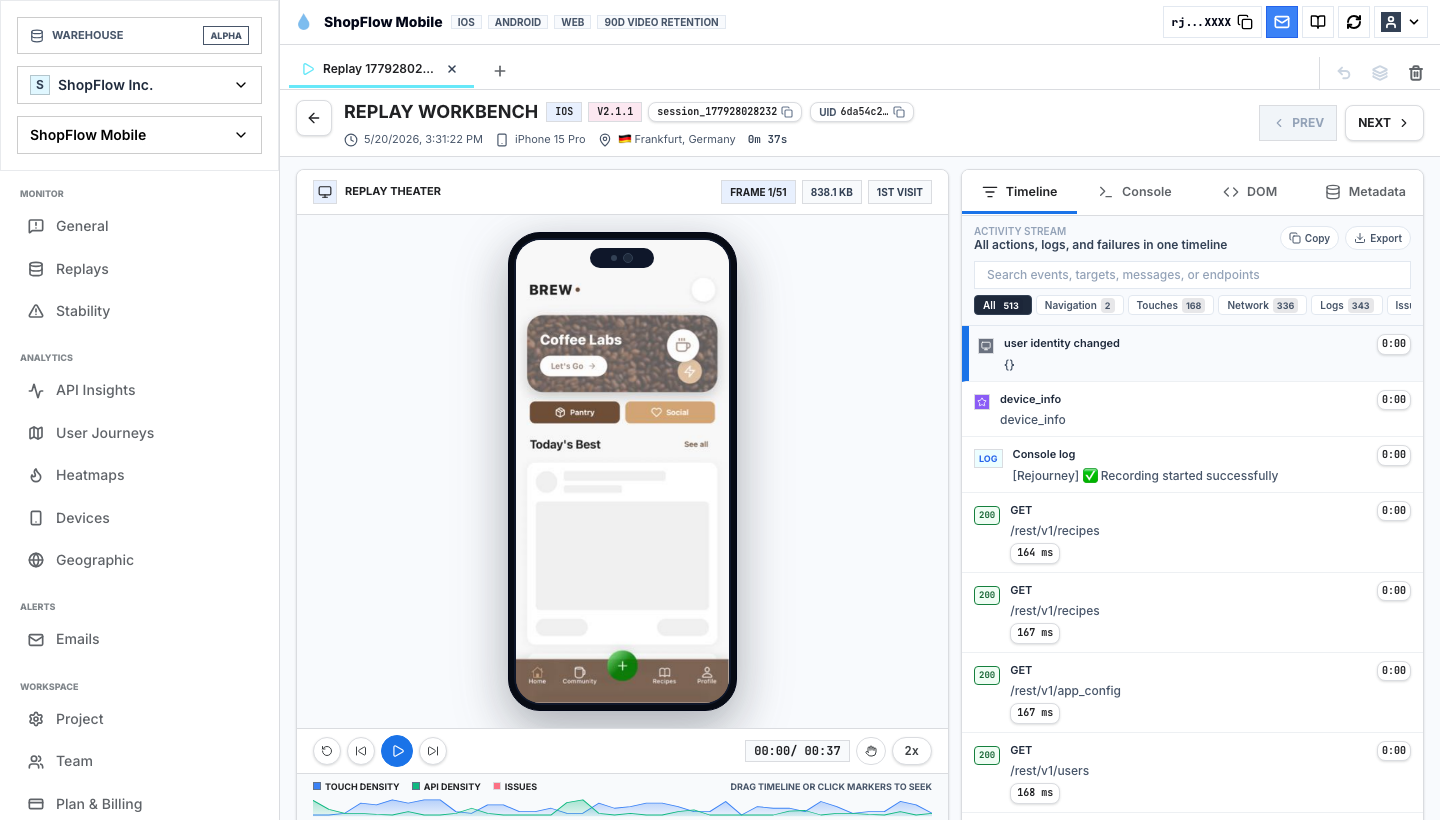
Rejourney lets an onboarding report open the exact first sessions behind a verification drop, permission loop, or failed first result. Compare those recordings with activated users on the same app version. The difference gives the team a concrete issue to reproduce instead of another onboarding opinion.
The companion guides cover onboarding funnel analytics and user activation metrics.