
A paywall report that begins at paywall_viewed misses users who never reached the screen. A report that ends at purchase_tapped misses store outcomes, entitlement failures, restore problems, and users who paid but could not use the feature.
Mobile app paywall analytics should cover the full commercial path:
eligible user → paywall exposure → offer understood → trial or purchase intent→ store outcome → subscription state → entitlement → first paid valueEach transition can leak for a different reason, and each requires different evidence.
Define paywall eligibility before paywall views
Eligibility depends on the product model. Users may see a paywall after onboarding, at a usage limit, before a premium action, after a trial, or on return from a campaign.
Capture why the user was eligible and which trigger produced the exposure: first-session hard paywall; post-activation paywall; feature gate; usage or quota limit; trial expiration; upgrade prompt; and promotional or win-back offer.
This lets the team compare like with like. A first-open paywall and a feature-limit paywall receive users with different knowledge and intent.
Build the app paywall funnel from verified states
Track states that agree with the store and your backend:
- User eligible
- Paywall requested
- Paywall rendered successfully
- Offer or plan selected
- Trial or purchase initiated
- Store sheet presented
- Store outcome received
- Receipt or transaction validated
- Subscription state updated
- Entitlement available
- First paid feature used
Client events explain the interface. Store, receipt-validation, subscription, and entitlement systems establish commercial truth.
If the client times out after a successful transaction, the analytics should record a state contradiction—not a generic failed purchase.
Keep reach, intent, and purchase rates separate
| Metric | Denominator | Meaning |
|---|---|---|
| Paywall reach | eligible users | Did the path deliver the monetization surface? |
| Paywall render success | paywall requests | Did the screen load correctly? |
| Offer selection | paywall viewers | Did users choose a commercial path? |
| Store initiation | paywall viewers | Did users show purchase intent? |
| Validated conversion | store initiations or viewers | Did a healthy transaction complete? |
| Entitlement success | validated transactions | Did paid access become available? |
| First paid value | entitled users | Did the purchase deliver useful capability? |
One “paywall conversion rate” cannot identify whether reach, offer, store, or entitlement is failing.
Analyze the journey before exposure
The same paywall can convert differently because users arrive with different value and friction histories.
Segment by: activation reached before exposure; onboarding path and completion; core actions completed; trigger and product context; and prior paywall views.
Also examine trial history; recent error, crash, ANR, or request failure; and acquisition source and deep link.
Compare users who reached the paywall after a successful value moment with users who encountered it after setup failure. The screen may be identical; the commercial context is not.
Measure the paywall as an interactive screen
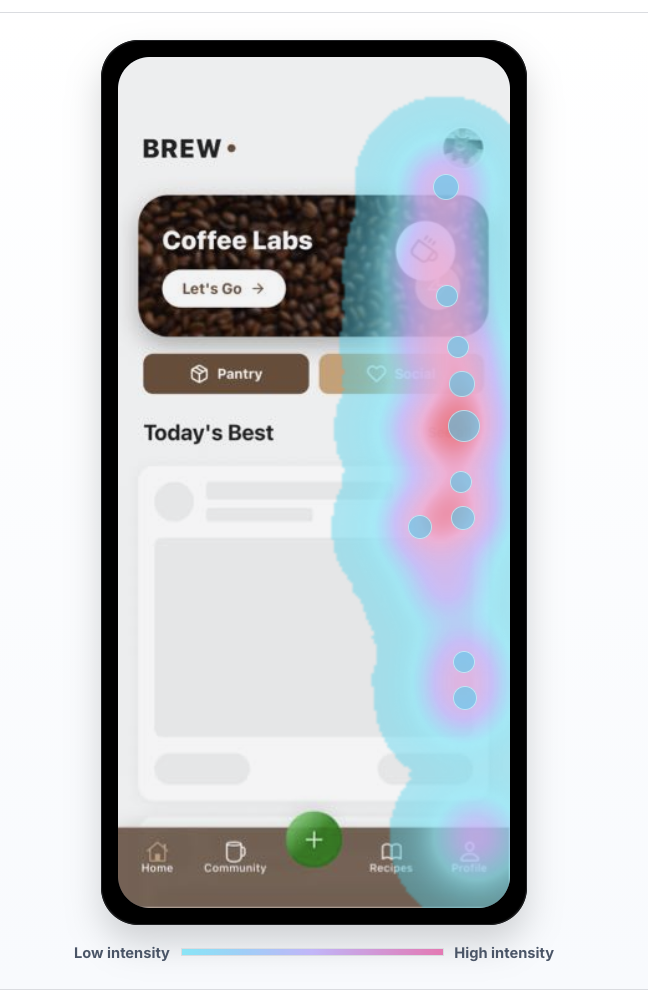
Heatmaps and replay show whether users find the plan controls and primary action. Watch what happens when they scroll, change plans, close the screen, or try to restore access. Repeated taps on an already selected offer can expose weak feedback. On a small device, also check whether the safe area or system UI obscures the action, price, terms, or trial language.
A touch hotspot can mean interest or a broken control. Open the sessions behind it and compare successful purchases with exits.
Treat the store sheet as a branch
The app can observe that purchase was initiated and later receive a result, but the system store interface has platform-controlled behavior and privacy constraints.
Track safe outcomes such as: purchased; trial started; user canceled; pending; and store unavailable.
Include product unavailable; verification failed; and unknown or interrupted.
Do not infer that every cancel means price rejection. The user may have opened the sheet unintentionally, selected the wrong account, encountered authentication friction, or simply decided not to continue.
The app should restore a clear state after the store sheet closes.
Monitor restore purchases as a conversion-critical path
Restore is not a minor account feature. A paid user who cannot restore access experiences a direct revenue and trust failure.
Measure: restore action visibility; restore attempts; store and validation results; entitlement reconciliation; time to restored access; and sessions where restore repeats or exits.
Separate “no purchases found” from a technical or account-state failure, and give the user a safe next step.
Find entitlement contradictions
High-confidence leaks occur when commercial and product states disagree. The store reports a purchase but backend validation is missing. A subscription or entitlement is active while the UI remains locked. The same problem appears when a trial begins but the app keeps showing the pre-trial paywall, a restore succeeds without refreshing paid content, or a plan changes while the old limits remain.
These should trigger reconciliation and an engineering investigation with affected sessions attached.
Compare versions, devices, and placements
Paywall behavior can change with app layout, store libraries, product identifiers, experiments, and release code.
Break down reach and healthy purchase state by: app version; platform and OS; device and screen size; paywall placement or trigger; and offer and product identifier.
The same analysis should cover experiment variant; country and currency where appropriate; and new, returning, and restored subscriber state.
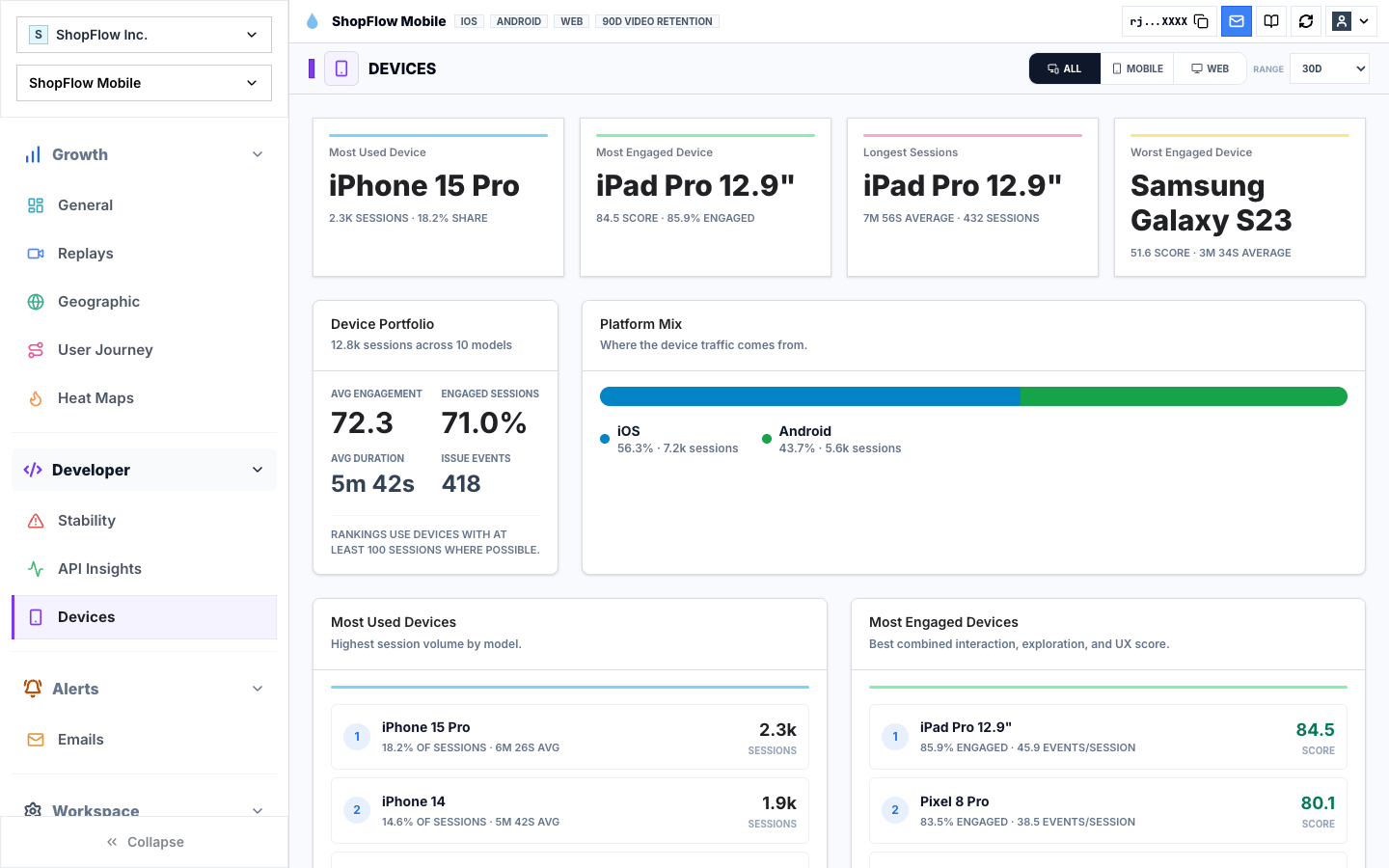
A conversion decline concentrated in one release or device deserves technical review before pricing changes.
Connect paywall analytics to retention
An aggressive paywall can raise immediate conversion while attracting refunds, early cancellations, low paid use, or poor retention. Track downstream guardrails: first paid value; repeat core action; trial-to-paid continuation; renewal; refund and cancellation; support contacts; and app stability and performance.
The goal is healthy subscriber value, not the largest number of taps on “Continue.”
A weekly paywall investigation
- Check eligible-to-paywall reach
- Check paywall render and store initiation
- Reconcile validated purchase, subscription, and entitlement
- Compare placement, release, platform, and device
- Review successful and failed sessions from the largest transition loss
- Name the evidence-backed hypothesis
- Verify the change with commercial and retention guardrails
This prevents every conversion dip from becoming a visual redesign.
Connect the paywall metric to the screen
Rejourney joins paywall exposure and store outcomes to the app session that produced them. Open a failed cohort by placement, trigger, version, or device, then watch the offer selection and the return from the system purchase sheet. Entitlement evidence shows whether the customer actually received access.
When the problem is clear, paywall conversion optimization provides a way to test the change without losing subscriber-quality guardrails.