
1. Evidence first
Evidence first
Dashboards are useful, but they can turn the user into a shape on a chart. Replay-first work asks the team to watch a real experience before naming the problem.
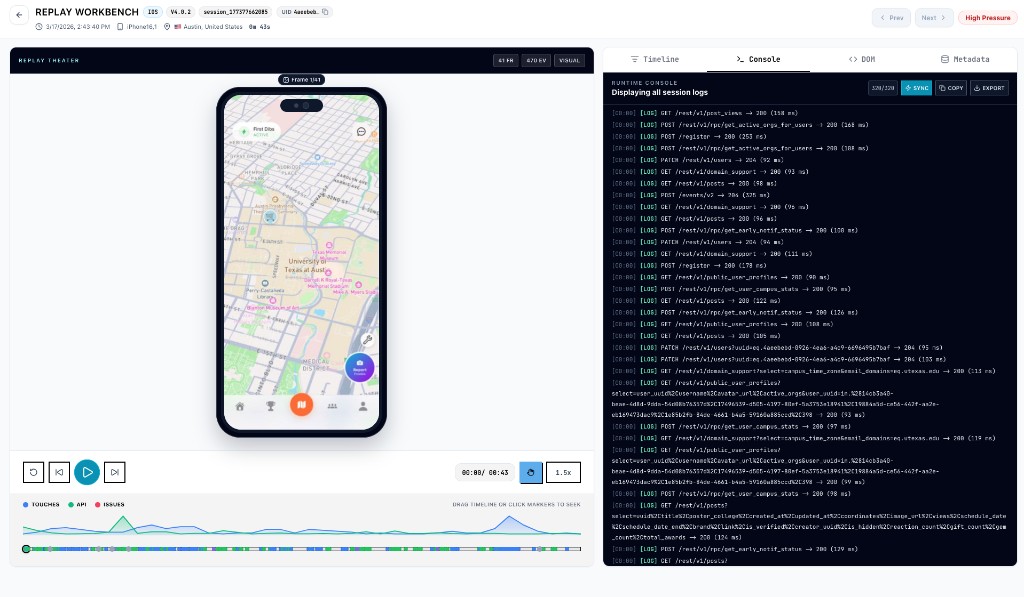
Replay-first mentality
Use real sessions as the first shared artifact in product decisions, support escalations, bug triage, and release reviews.
Read the practical answer first, then inspect the product without creating an account.
The short answer
Dashboards are useful, but they can turn the user into a shape on a chart. Replay-first work asks the team to watch a real experience before naming the problem.
That changes the discussion. Product sees the missed expectation, support sees the path the customer took, and engineering sees the events, requests, crashes, or ANRs that shaped the session.
Rejourney is built around that habit: start from the session, then branch into events, journeys, heatmaps, stability, network context, and analytics to check scope.
From idea to evidence
1. Evidence first
Dashboards are useful, but they can turn the user into a shape on a chart. Replay-first work asks the team to watch a real experience before naming the problem.
2. Shared context
That changes the discussion. Product sees the missed expectation, support sees the path the customer took, and engineering sees the events, requests, crashes, or ANRs that shaped the session.
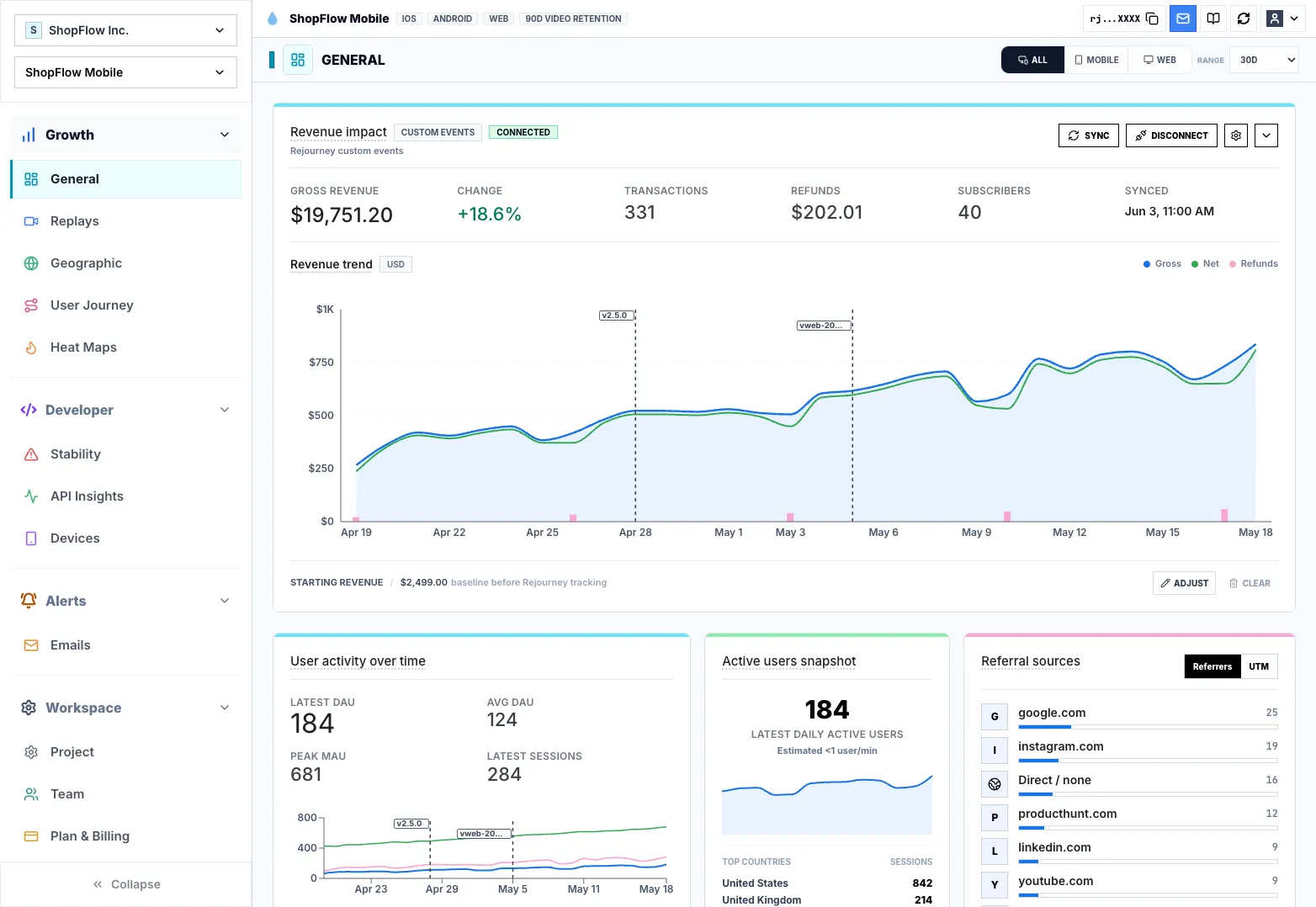
3. Faster fixes
Rejourney is built around that habit: start from the session, then branch into events, journeys, heatmaps, stability, network context, and analytics to check scope.
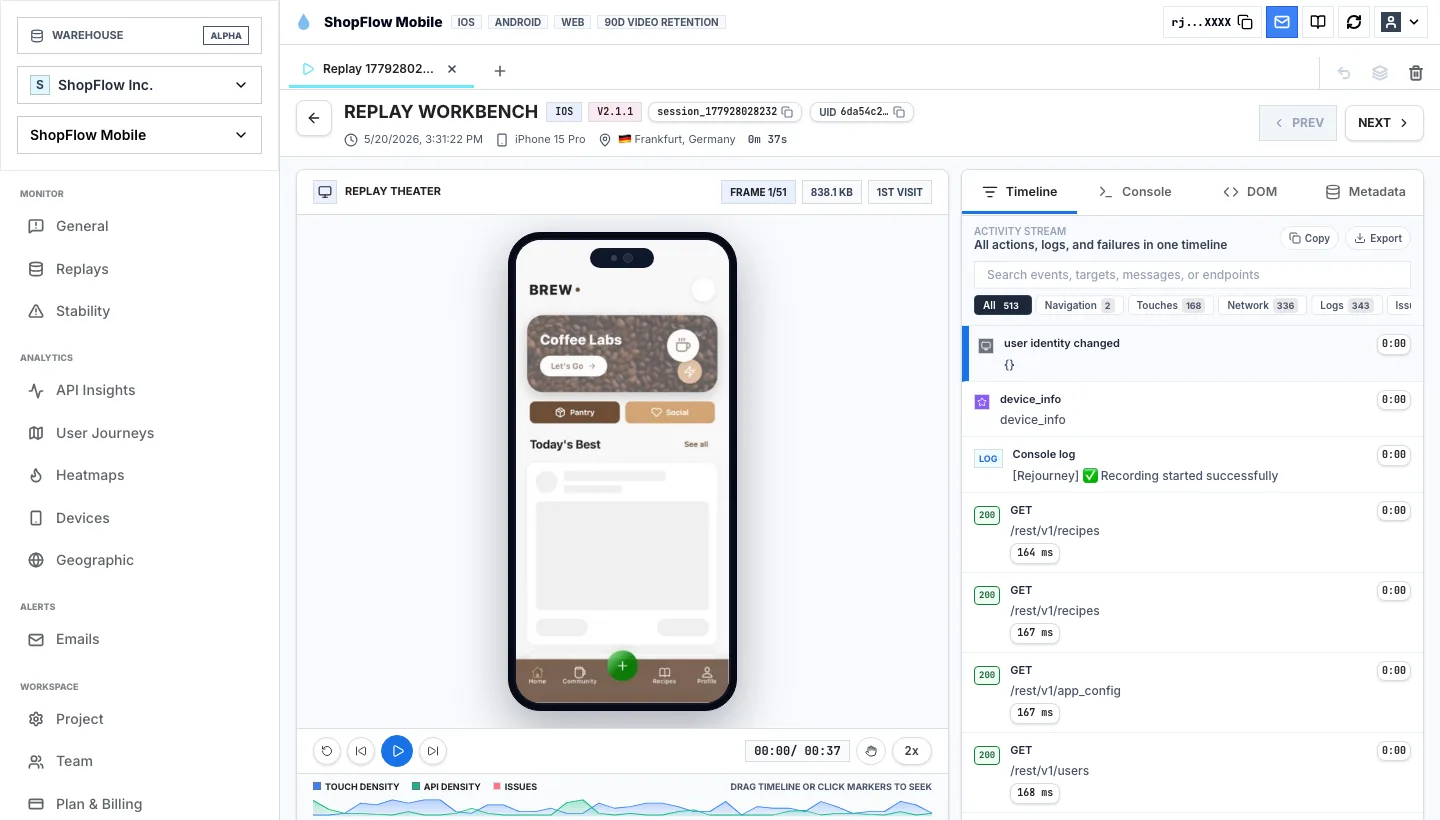
Keep exploring
Replay-first means starting investigations from real user sessions, then using analytics, heatmaps, journeys, errors, and network context to understand the broader pattern.
No. Replay-first makes analytics more useful by tying metrics back to observable behavior and system context.
Product, support, design, and engineering all benefit because they can discuss the same session instead of debating separate screenshots, tickets, and charts.
Start with a real product
Start free with 5,000 monthly sessions, unlimited analytics events, and no credit card.