Read the practical answer first, then inspect the product without creating an account.
5,000 sessions free·No credit card·GDPR compliant
Lightweight SDKs/Privacy masking/Hosted in Germany
The short answer
Empathy works better when it has evidence
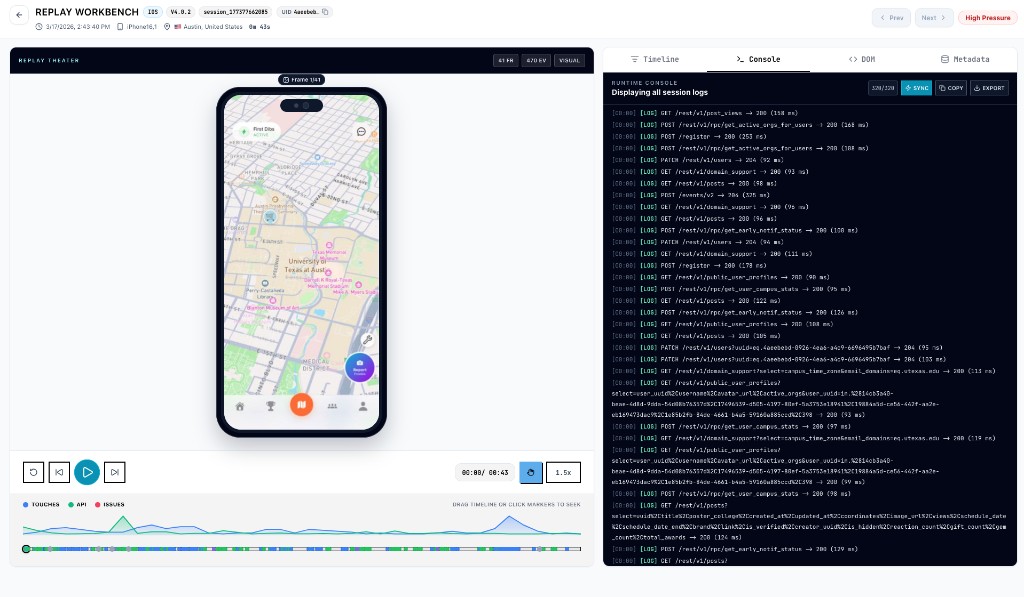
Teams can talk about users for hours and still miss the tiny moment where the product stops making sense. A replay makes that moment concrete: the hesitation, the missed affordance, the repeated tap, the path that was obvious only inside the building.
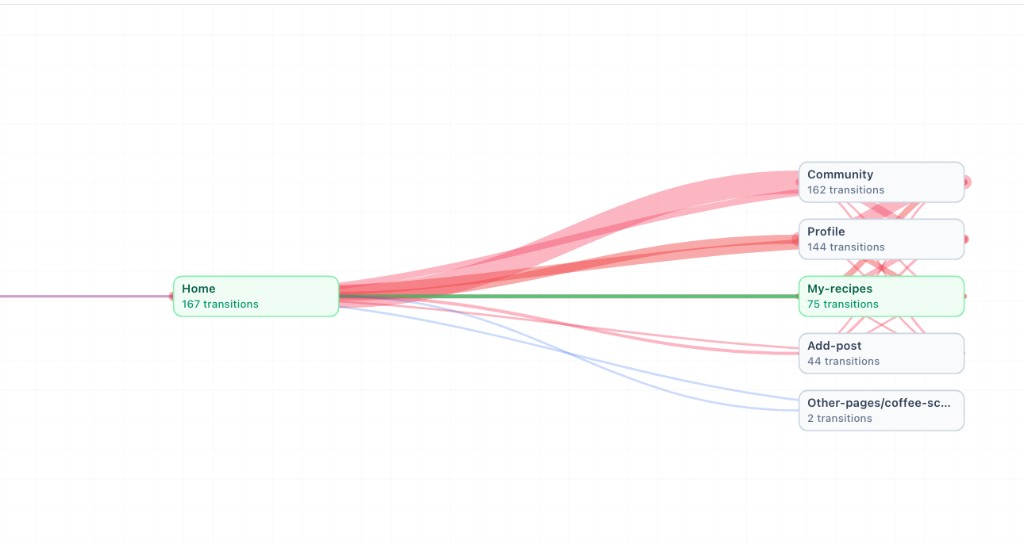
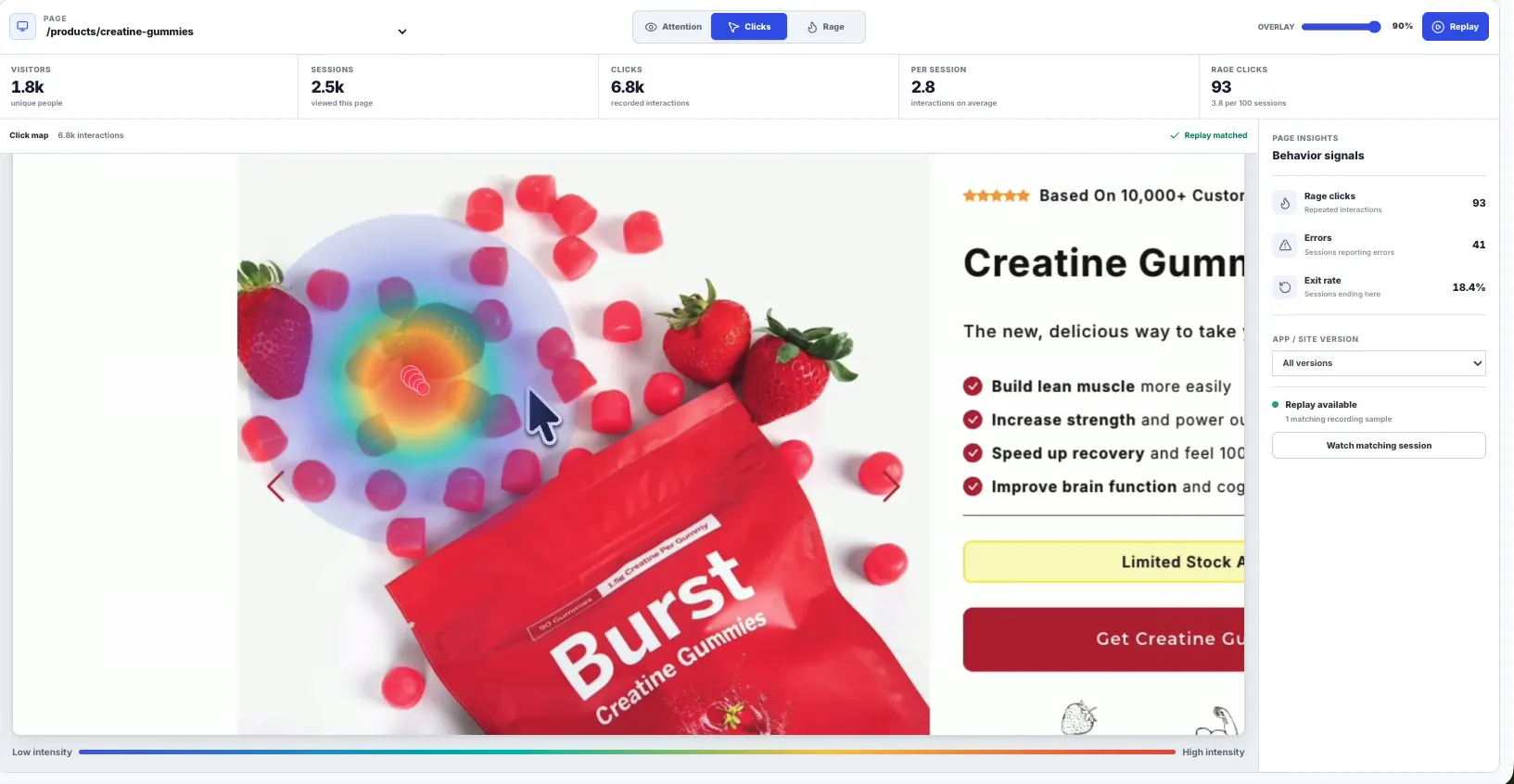
Rejourney helps teams build the habit without turning it into theater. Pick a flow, watch real sessions, write down what happened, then use journeys and heatmaps to check whether the same friction repeats.
The result is a product conversation with less mind-reading. The team can decide what to fix because it has seen the experience from the user's side and checked the pattern behind it.
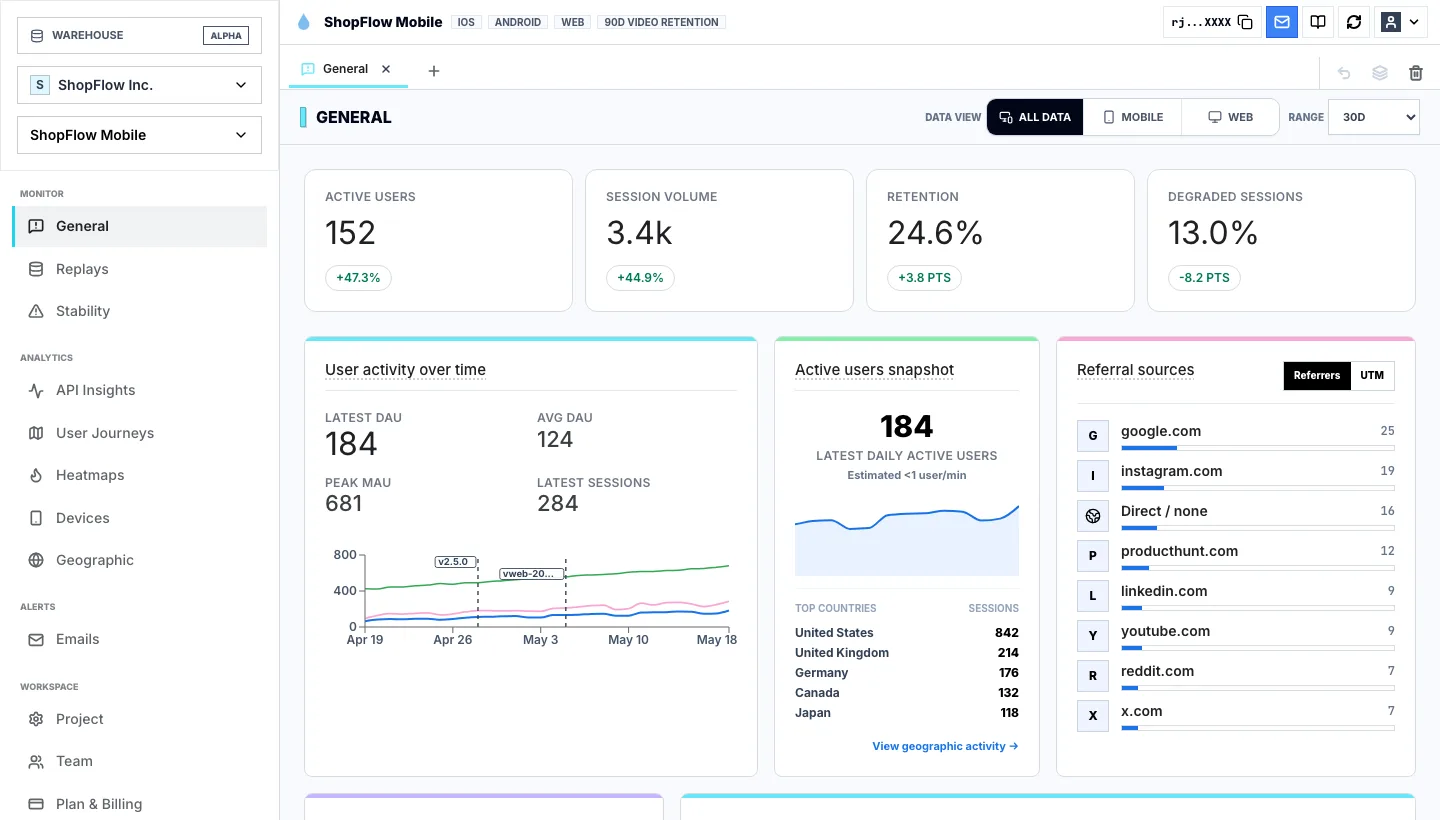
You want replay, product analytics, heatmaps, journeys, crashes, and network context together.
You need predictable pricing with unlimited events, retention, projects, and team members.
You want a lightweight SDK that is easy to add to web, React Native, Expo, Flutter, and iOS apps.
You want a product team and engineering team to investigate the same real session.
From idea to evidence
Empathy works better when it has evidence
1. User empathy
User empathy
Teams can talk about users for hours and still miss the tiny moment where the product stops making sense. A replay makes that moment concrete: the hesitation, the missed affordance, the repeated tap, the path that was obvious only inside the building.
2. Real sessions
Real sessions
Rejourney helps teams build the habit without turning it into theater. Pick a flow, watch real sessions, write down what happened, then use journeys and heatmaps to check whether the same friction repeats.
3. Shared reviews
Shared reviews
The result is a product conversation with less mind-reading. The team can decide what to fix because it has seen the experience from the user's side and checked the pattern behind it.
It means regularly watching and analyzing real user experiences so the team understands how the product feels outside internal assumptions.
How does session replay help with user empathy?
Replay shows the exact moments where people hesitate, retry, abandon, or hit technical problems, making product friction easier to understand and prioritize.
How often should teams watch sessions?
A practical habit is to review sessions during product planning, support escalations, bug triage, release retrospectives, and after major funnel changes.
Start with a real product
Turn product behavior into an answer.
Start free with 5,000 monthly sessions, unlimited analytics events, and no credit card.